
If you run a Shopify store and offer Cash on Delivery, you already know the pain: orders that look real, get packed and shipped, and then come back undelivered — or worse, the customer simply wasn't expecting an order at all.
Fake and unverified COD orders are the single biggest profitability killer for e-commerce stores. This guide explains why it happens, what it costs you, and exactly how to fix it.
Why Fake COD Orders Are So Common
E-commerce markets across South Asia, the Middle East, and beyond are overwhelmingly COD-driven. Customers don't trust online payments, and stores that don't offer COD lose sales. But this creates a serious problem:
- Anyone can place an order with zero financial commitment
- Wrong phone numbers and addresses are entered by mistake (or intentionally)
- Impulsive buyers confirm an order and then refuse delivery
- Competitors or bad actors place fake bulk orders to waste your inventory and shipping budget
The result? Industry data suggests 25–40% of COD orders on high-COD-market stores never get successfully delivered. For every 100 orders you ship, 25 to 40 come back — and you pay shipping both ways.
What Fake COD Orders Actually Cost You
Let's make this concrete. Suppose your average order value is $25 and you ship 100 orders a month.
| Item | Cost |
|---|---|
| Forward shipping (100 orders × $2.50) | $250 |
| Return shipping (35 returns × $2.00) | $70 |
| Packaging wasted (35 orders) | $35 |
| Staff time processing returns | $50 |
| Total monthly loss | $405+ |
And this doesn't account for inventory damaged in transit, or the hours your team spends calling customers manually every day.
The Old Solution (And Why It Doesn't Scale)
Most store owners start with the same solution: hire a customer service rep to call every COD order before dispatch.
This works at 30 orders a month. At 300 orders a month, it breaks down:
- Reps can only call during business hours — customers miss calls
- No-answers get lost in spreadsheets
- Human error means some orders get skipped
- You're paying a full salary for a task that should be automated
Manual calling is not a business process. It's a patch.
The Modern Solution: Automated COD Verification
The right approach is to automatically confirm every COD order the moment it's placed — before your team touches it, before you pack it, before you pay for shipping.
A good automated verification system should:
- Trigger instantly when a COD order is placed on your Shopify store
- Contact the customer via AI voice call, WhatsApp, or SMS
- Confirm or cancel the order based on customer response
- Update your Shopify order automatically — no manual work needed
- Give you a real-time dashboard showing confirmation rates and savings
This reduces your return-to-origin (RTO) rate from 30–40% down to 8–12% in most cases.
Voice Call vs WhatsApp vs SMS: Which Works Best?
Each channel works differently depending on your customer base:
AI Voice Call
- Highest completion rate for first-time customers
- Works even for customers not on WhatsApp
- Best for older demographics or rural customers
- Customer hears the order details and presses a key to confirm or cancel
WhatsApp Message
- Fastest response for smartphone-native customers
- 90%+ open rate vs ~30% for SMS
- Customers can reply at their convenience
- Widely used across South Asia, Middle East, Africa, and Latin America
SMS
- Fallback for customers who don't answer calls or have no WhatsApp
- Broad coverage across all phone types
- Best used as a second or third attempt channel
The most effective setup uses all three in sequence: AI voice call first, WhatsApp follow-up if no answer, SMS as a final fallback. This multi-channel approach consistently outperforms any single-channel solution.
How to Set This Up on Shopify
Step 1: Install a COD verification app
Go to the Shopify App Store and search for "COD verification." Look for an app that offers:
- AI voice calls (not just basic IVR)
- WhatsApp integration
- SMS fallback
- Automatic Shopify order status updates
- A free tier to test before paying
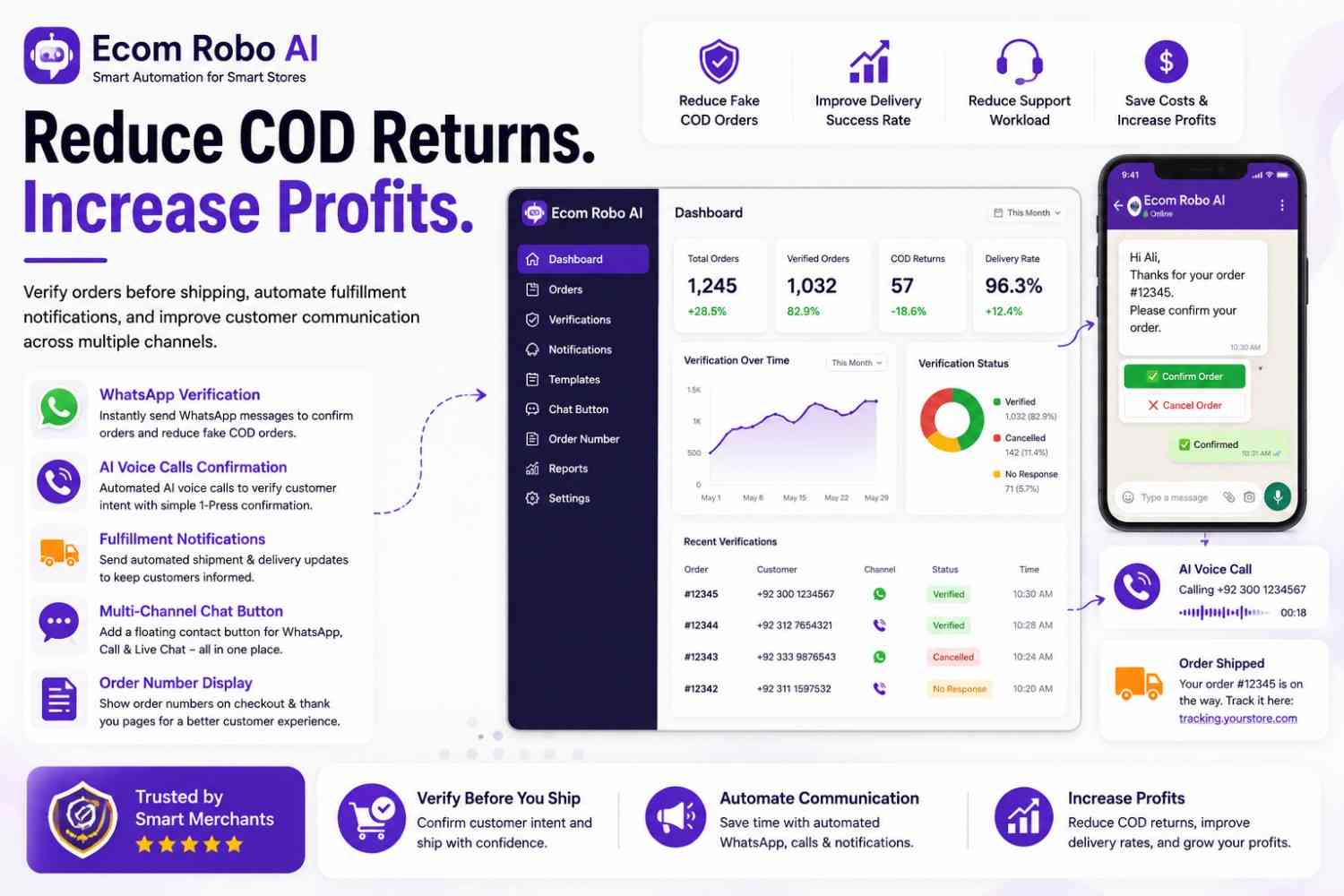
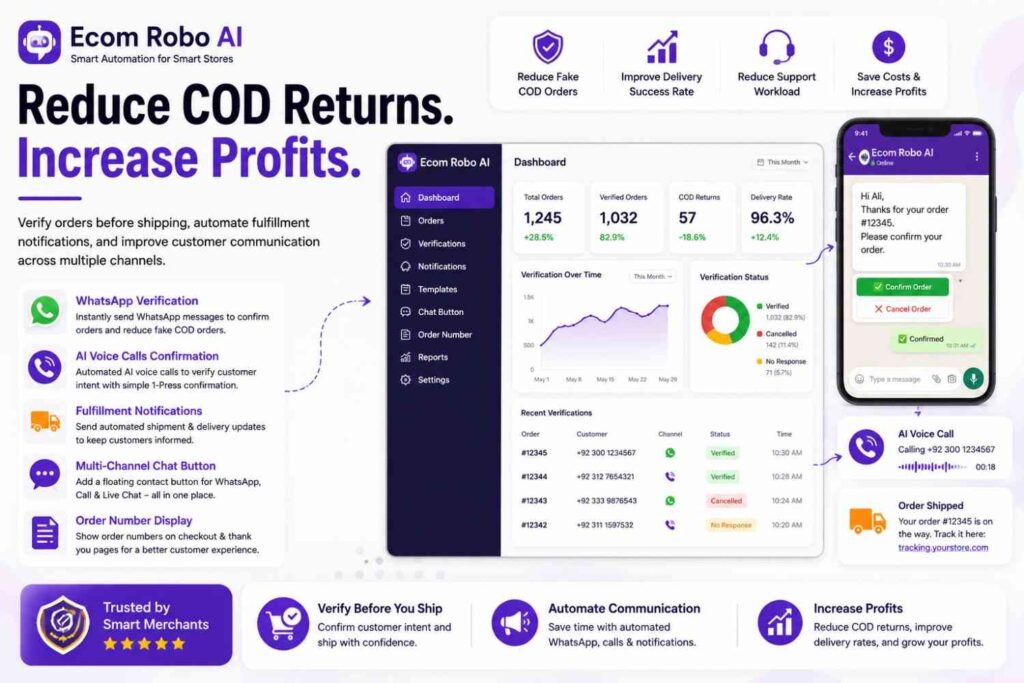
Ecom Robo AI is built specifically for COD-heavy markets. It combines AI voice, WhatsApp, SMS, and a live chat widget in one integration — and starts free for up to 10 order verifications per month. Paid plans start at $5.99/month for 250 verifications, which costs far less than a single return shipment.
Step 2: Configure your verification flow
Once installed, set:
- Which orders trigger verification (COD payment method only)
- The message or script customers hear or receive
- How many contact attempts before an order is flagged
- What happens to unconfirmed orders after 12–24 hours
Step 3: Set a realistic confirmation window
Give customers a 6–12 hour window to confirm. Orders not confirmed within this window should be flagged for manual review before dispatch — not automatically cancelled. Some genuine customers are slow to respond, especially in the evening or on weekends.
Step 4: Monitor your RTO rate weekly
Track your Return-to-Origin (RTO) rate weekly for the first month:
- Week 1–2: Expect some false positives — genuine customers who didn't confirm in time
- Week 3–4: Tune your confirmation window and retry timing
- Month 2 onward: Stable RTO rate, typically 10–15 percentage points lower than before
What Results Should You Expect?
| Metric | Before | After |
|---|---|---|
| RTO rate | 30–40% | 8–15% |
| Monthly shipping cost | $320 | $180 |
| Staff time on verification | 3–4 hrs/day | 15 min/day |
| Fake/prank orders shipped | ~35% | ~5% |
Results vary by product category. Stores selling impulse-buy products — fashion, accessories, gadgets — see the biggest improvement because impulse buyers are the most likely to place low-commitment or unintentional COD orders.
Common Mistakes to Avoid
Cancelling too aggressively. Auto-cancelling every unconfirmed order after 2 hours will cost you genuine sales. Set a minimum 6-hour window and review borderline cases manually.
Not following up. A single voice call is not enough. A good system attempts contact 2–3 times across different channels before flagging an order.
Ignoring confirmed-but-refused deliveries. Some customers confirm the order and still refuse at the door. Track this separately — it usually points to a product description or expectation mismatch, not a fake order problem.
Treating all unconfirmed orders the same. A repeat customer who has confirmed 10 orders previously deserves a different handling than a first-time order with a mismatched phone number. Use your data to set smarter rules over time.
Summary
Fake and unverified COD orders are not an unavoidable cost of doing business — they are a solvable problem. With the right automated verification setup:
- Your RTO rate drops to single digits
- Your team stops spending hours on manual order calls
- You ship with confidence, knowing every order is confirmed
- Your monthly profitability improves without touching your product or pricing
The setup takes less than a day and pays for itself within the first week.
Ecom Robo AI is a Shopify app built for COD-heavy markets. Free plan available. Paid plans from $5.99/month for 250 verifications — AI voice, WhatsApp, and SMS combined.